Handbook · Tools · 8 min read
Digital minimalism: from theory to practice
We check our phones 150× a day. Digital minimalism isn't about eliminating technology — it's about making it serve you, not the other way around.
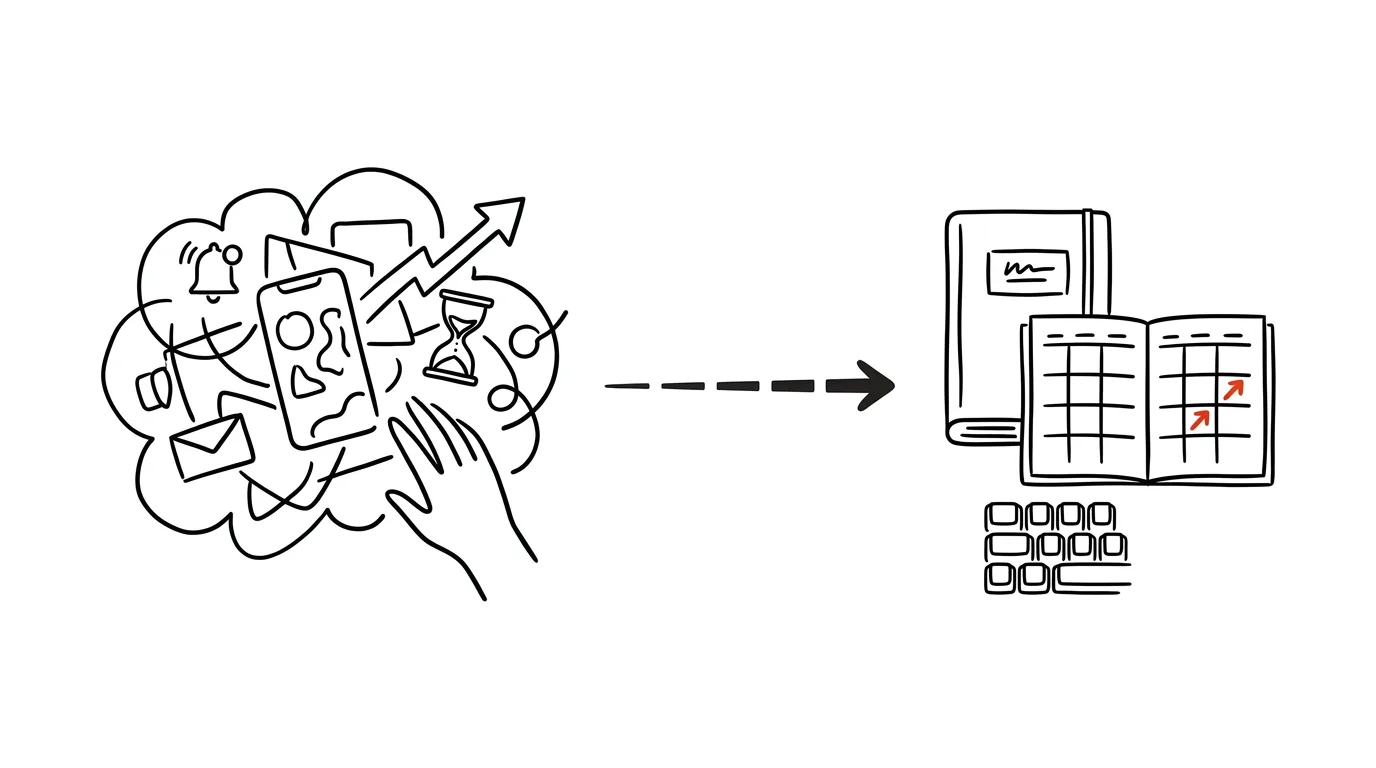
At a time when the average person checks their phone 150 times a day and spends more than seven hours in front of a screen, digital overload has become a serious problem. It isn't just about lost time — it's about our ability to concentrate, the quality of our sleep, and our overall well-being.
The current reality for most of us
A typical day looks roughly like this: at seven in the morning, the first phone check before you even get out of bed. At eight, fifty-plus emails are waiting. By ten you have twenty tabs open in your browser. By noon, a hundred notifications from various apps. By three in the afternoon your attention is scattered across five or more communication channels. And at ten at night you're scrolling social media instead of sleeping.
Recognize yourself? That isn't a personal failing. Apps are designed to produce exactly this — and you can't fight design with willpower, only by changing your environment.
The thirty-day digital reset
- Week 1Preparationarchive apps (don't delete them yet), set auto-replies, tell people around you, plan offline activities
- Weeks 2–4Resetkeep only work tools, basic communication, and navigation; social media, news, and games go
- ThroughoutObservationwhen do you feel the urge to reach for the phone? what triggers it? what do you actually miss — and why?
- Day 30+Conscious returnbring back only what passes the test: what is it for? when will I use it? under what rules?
Week 1 is preparation. Archive apps, but don't delete them — it's psychologically easier and your data stays put. Set up auto-replies, let people know you'll be slower to respond, and above all plan offline activities in advance. An empty evening without your phone is the fastest route back to your phone.
Weeks 2 through 4 are the reset itself. Keep only work tools, basic communication, and navigation. Remove social media, news apps, games, and entertainment apps.
Observe and write things down the whole time. When do you feel the urge to check your phone? What situations trigger it — boredom, stress, waiting, an unpleasant task? And what do you miss most, and why? That notebook is the most valuable output of the entire reset. After thirty days, it's what you use to decide what comes back — and under what rules.
From experience: after a month I found that what makes me reach for my phone isn't boredom but one specific type of task — writing where I don't know how to start. The most useful change in the end wasn't on my phone at all; it was outlining every piece in bullet points before I start.
Setting up your digital environment
Willpower runs out; your environment works on its own. That's why it pays to set it up so distraction takes more effort than work does.
Phone
- Home screen: four to six apps at most, and only tools, not sources of distraction. No red notification dots.
- Notifications: turn off push notifications, allow only calls and direct messages. Process email in batches at a set time, not as it arrives.
- Time limits: use Screen Time or a similar tool, set limits for whole app categories, and block them during certain hours.
Computer
- Browser: two windows at most and a sane limit on open tabs — say five. Add a blocking extension for distracting sites.
- Work environment: a minimalist desktop, automatic cleanup of the Downloads folder, an organized folder system.
- Communication tools: set hours for email, chat only during working hours, offline mode when the work matters.
Digital rituals through the day
- 6:00 a.m.Offline hourno technology for the first hour after waking — morning routine and prep for the day, screen-free
- 7:00 a.m.Digital prepemail triage (sorting, not answering), check the calendar, set the day's priorities
- MorningDeep work blockdo not disturb, email and chat closed, a single window, a 90-minute timer, a 15-minute buffer between blocks
- AfternoonCommunication blockan hour for email, replies, and short calls — all in one place
- 8:00 p.m.Digital sunsetturn off work notifications, switch on the blue light filter, move to offline activities
- 9:00 p.m.Wind-downphone out of the bedroom, a book instead of a screen, a relaxing routine
The deep work block deserves special attention. Two to three hours a day is enough, but they have to be genuinely protected: do not disturb, email and chat closed, a single window on screen, a ninety-minute timer, and a fifteen-minute buffer between blocks. The communication block is its counterweight — one hour in which you handle email, messages, and short calls all at once.
Tools that help
For reducing digital noise:
- Freedom or Cold Turkey — blocking distracting sites, scheduled offline periods, rules synced across devices.
- Forest or Flora — gamified digital detox: focus and a tree grows, scroll and it dies. A visual reminder plus a bit of social accountability.
- RescueTime or Timing — monitoring your digital habits, automatic reports, spotting behavioral patterns.
For automating routine tasks:
- Email — filters and labels, auto-replies, newsletters handled separately.
- Communication — canned replies, automatic forwarding, scheduled messages.
- Personal productivity — automatic backup, syncing across devices, regular cleanup.
Automation is key here: every routine you don't have to do by hand is one decision fewer and one reason less to reach for your phone.
Measuring and sustaining progress
Weekly review. Track four numbers: time spent on devices, number of phone pickups, your most common sources of distraction, and the ratio of productive to unproductive time. Then assess what changed in your productivity, sleep quality, stress levels, and overall mental well-being. The numbers alone aren't enough — how you feel matters.
Monthly optimization. Once a month, audit your apps and tools, adjust limits and rules to match reality, update your automations, and set new goals.
Remember: digital minimalism isn't about eliminating technology entirely, but about using it consciously and meaningfully. Start slowly, be patient, and gradually build a system that serves you — instead of running you.
Related tips
A distraction blocker: stronger than your willpower
Apps like Cold Turkey or Freedom block chosen websites for a set period. Decide once, and it holds for the whole morning.
App limits: 30 minutes of social media a day is plenty
iOS and Android can both lock an app once you've hit your daily limit. Extra friction that actually works.
Batched notifications: a summary instead of a drip
iOS and Android can both hold non-urgent notifications and deliver them as a summary at times you choose. Your phone stops yanking at your attention.
A home screen with just your tools
Social media and entertainment off the home screen — leaving calendar, tasks, notes. What you don't see, you don't open without thinking.
Want to keep the momentum?
One tip from the handbook by email each week — in an order that makes sense.
1 tip a week · no spam · unsubscribe in one click