Handbook · Tools · 7 min read
Your second brain in a digital world
120+ emails a day and dozens of projects are more than paper can handle. A digital second brain can — if you build it right.
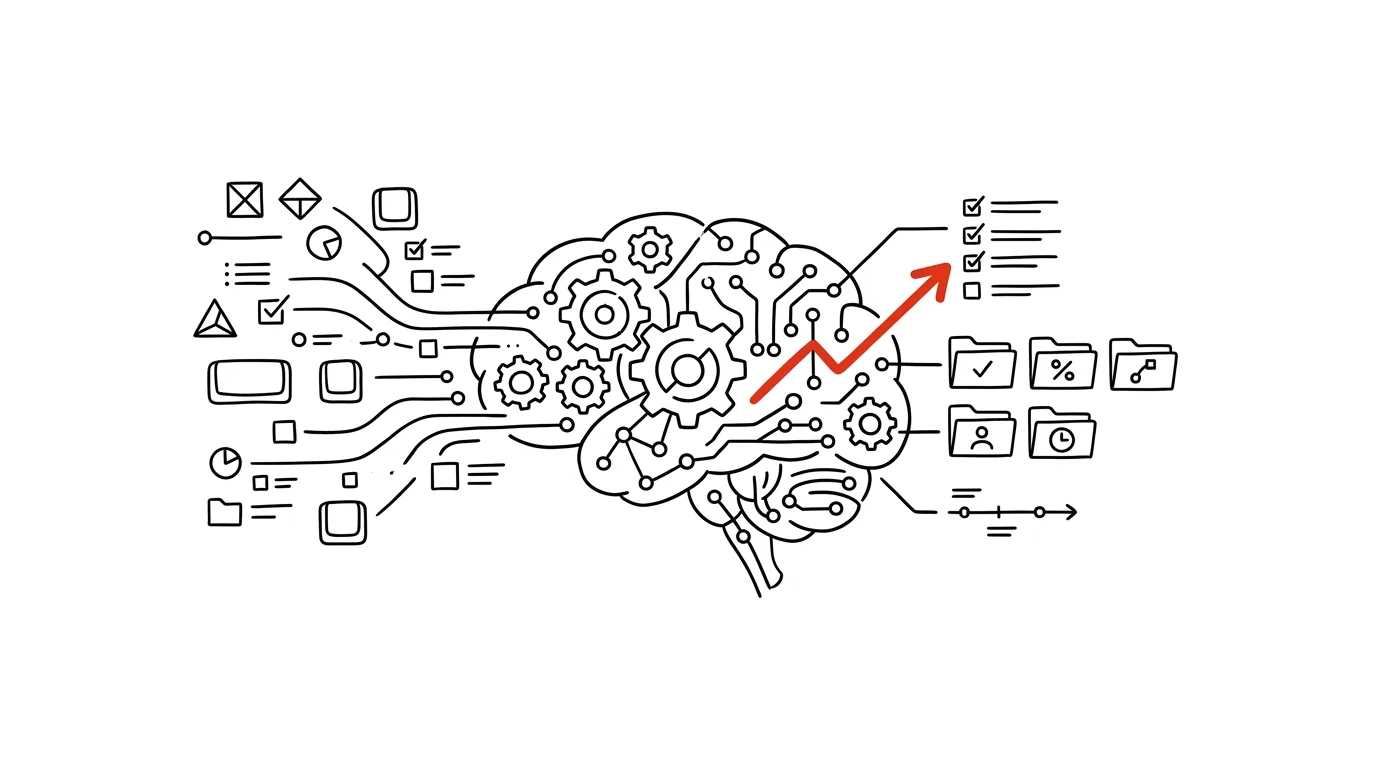
You might be thinking — why bother with more apps and tools? Isn't that just another distraction? Wouldn't a pen and paper be better? The truth is that in today's connected world, good habits and a good system aren't enough on their own. We need tools that help us handle the complexity of modern work and life.
The reality paper can't handle
Add collaboration in virtual teams and the need to have information available instantly rather than after half an hour of searching. Paper is superb for thinking. What it can't do is the three things you now need daily:
- Search — across thousands of documents, all your projects, and your entire communication history.
- Sync — between devices, with your team, and with your calendar.
- Automation — of recurring tasks, reminders and reports.
These aren't luxury features. They're the minimum without which modern knowledge work collapses into searching and re-searching.
What a digital second brain gives you
Availability and flexibility. Access from anywhere, instant sync, sharing and collaboration, backups and version history. When your laptop dies, you lose hardware, not work.
Organization and search. Structured information, full-text search, tags and categories, linked notes. You don't have to remember where you filed something — you just have to remember one word that was in it.
Automation and efficiency. Automatic reminders, integrations between services, templates and workflows, quick actions. Work you used to do by hand every week you now set up once and simply check on.
What the shift looks like in practice
A project manager. Before: notes on scraps of paper, spreadsheets sitting on a local drive, tasks buried in an email inbox, chaotic meetings with no record. After: Notion for documentation, ClickUp for projects, Slack for ongoing communication, and video calls for the things that genuinely need to be discussed live.
A student. Before: a notebook per subject, a paper planner, lost notes and disorganized materials scattered across drives. After: Obsidian for linked notes, a shared calendar for deadlines, cloud storage for materials, and a spaced-repetition app for studying.
Notice that in neither case is it about the number of apps. It's that every type of information has one clear place where it belongs.
What you actually gain
Time saved comes from faster searching, automated tasks, better organization and the removal of duplicate work. Better overview means everything in one place, a clear structure, linked information, and history and context on demand. Higher productivity then follows on its own: fewer forgotten tasks, better collaboration, faster processing and better decisions.
That last point is the most underrated. You decide better not because you got wiser, but because you're looking at the full picture instead of the half of it that happened to come to mind.
Common worries — and what to do about them
“Too many tools.” Start with one main one. Add others gradually and only when there's a real need. Review the system regularly and cut what you don't use. And connect your tools to each other — two apps that pass data between them beat five that don't know the others exist.
“I'll waste all my time on setup.” The upfront investment pays off, and it doesn't have to be large. Use ready-made templates instead of building from scratch, learn advanced features gradually, and automate only what demonstrably repeats.
“I'm worried about my data.” Use cloud services with version history, back up regularly, and keep an offline copy of the things that truly matter. A good tool never holds your data hostage — always check that it can export to a common format.
A note on security: before you pour work material into your system, check what your company's data-handling policy says. Clients' personal data, health records and anything under NDA don't belong in public clouds or AI assistants. Keep sensitive material in tools your company has approved, and let everything else make your life easier.
How to start
- 1AuditWhere does your time go? What slows you down most? What are your pain points, and what do you want to improve?
- 2One toolCriteria: simple to use, available on every platform, integration options, sensible cost.
- 3Gradual rolloutWeek 1 getting familiar → weeks 2–3 daily use → month 1 routine and habit → month 2+ advanced features.
Don't skip the first step. The audit takes twenty minutes and determines everything else: a tool chosen from online reviews solves other people's problems, a tool chosen from your audit solves yours.
Digital tools aren't the goal, they're the means. They help you handle the complexity of modern life and work. It isn't about having as many apps as possible — it's about choosing the right ones. How to do that specifically is the subject of the next chapter.
Related tips
The Notion formula that sorts your backlog for you
(Impact × Urgency) / Effort — three numbers per task, and the database sorts itself by actual value.
One database, many views: no more copying
The same tasks as a table, a kanban board, and a calendar. Notion views filter and display one dataset differently — nothing gets duplicated.
Notion: Ctrl+P jumps to any page
Ctrl+P
Quick search finds a page by title and by content. In a growing workspace, it's the only navigation that makes sense.
Templates in Notion databases: a new entry, pre-filled
A record template pre-fills the structure — meeting notes, task briefs, client profiles. Set it up once, use it forever.
Want to keep the momentum?
One tip from the handbook by email each week — in an order that makes sense.
1 tip a week · no spam · unsubscribe in one click