Tips & tricks · AI · Everywhere · ~15 min per thread · 2 min read
Added to a 30-Email Thread? AI Tells You What's Expected of You
Last reviewed:
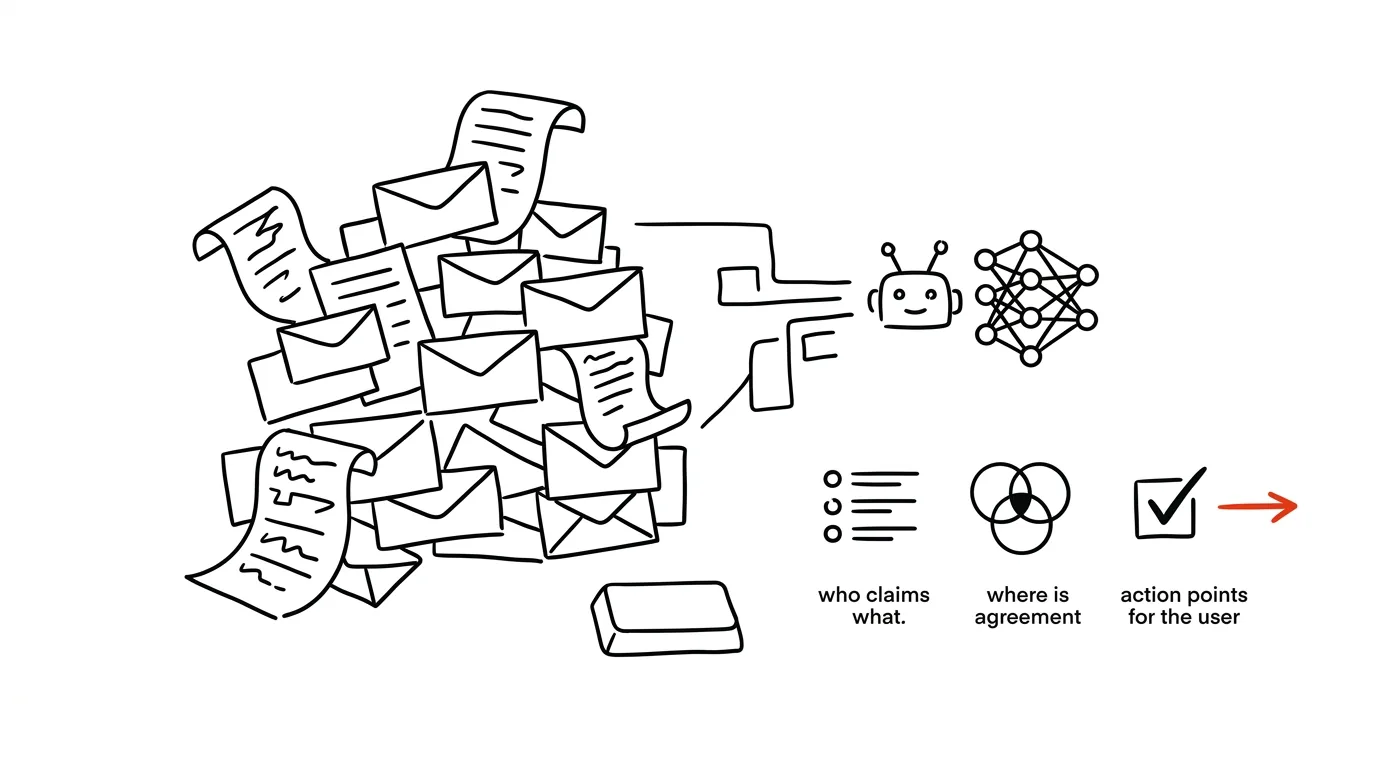
"Forwarding, see below" — and underneath it thirty emails, three months of history, five people cc'd, and somewhere in there the reason you're now involved. Reading it honestly from the bottom up takes twenty minutes, and you're still not sure you didn't miss the one sentence where someone promised something. This is an ideal job for AI: retelling a long conversation isn't creation, it's compression — and compression is easy to check for accuracy.
How to do it
- Copy the whole thread including the headers (from, to, when) and paste it into the chat. Internal conversations belong in a paid account where data isn't used for training — or leave out whatever doesn't need to be there.
- Use this prompt:
Here's an email thread I've just been added to. Read it
chronologically and answer:

1. What's this about — three sentences for someone who
   hasn't read the thread.
2. Who's who and what are they pushing for (name → position
   in the dispute).
3. What's already agreed and what's still open.
4. What promises and deadlines came up in the thread, and
   who made them.
5. What's probably expected FROM ME — and what in the text
   makes you think so; quote the actual sentences.

Don't infer anything that isn't in the thread. For point 5,
distinguish what's stated explicitly from what's only
implied by context.
- Verify point 5 against the quoted sentences — that's exactly where it matters whether you're answering the right thing.
- Only then write your reply. You can use AI for that too, but now you know what you're walking into.
A typical scenario
Consultant Jirka gets cc'd by a client with the line "please keep an eye on the technical side for us." Underneath it: two months of back-and-forth between the client and a vendor, a testy tone, deadlines. Jirka doesn't have half an hour for archaeology, but he doesn't want to reply blind either — threads like this tend to hide landmines.
He pastes the thread into a chat and in two minutes knows: there's agreement on scope, a dispute over the launch date, the vendor promised a test environment twice and never delivered, and Jirka is expected to assess whether the remaining timeline is realistic. In the quotes he also finds a landmine — the client approved a change in writing a month ago that they're now describing as "the vendor's overreach." Jirka's reply comes out diplomatic and precise at the same time thanks to that.
What you get out of it
You walk into ongoing conversations prepared, not blind — and in two minutes instead of twenty. The prompt's structure also guards against the trickiest part: the gap between what was actually said and what everyone just assumes. The quotes in point 5 are your safeguard that you're acting on the text, not on a hallucination. For regular email work, there's a follow-on with AI inbox triage; this trick is for one-off drops into other people's wars.
Want to go deeper? The handbook has a whole chapter on it — AI and automation.
Similar tips
Stop Correcting AI Forever: Edit Your Original Message Instead
Claude, ChatGPT, and Gemini can all edit a message you've already sent and answer again from a clean slate. A lesser-known button that rescues tangled conversations.
A Letter From an Agency: Have AI Translate It Into Plain English
Paste an official letter into AI and get four answers: what they want from you, by when, what happens if you don't, and exactly what to do. No legalese, no panic.
In-depth guide · 76 min
AI in the company: the complete rollout guide — from data to measurable results
Our most comprehensive guide: AI rollout from the data foundation through tools and policy to self-monitoring meetings. 50+ prompts and a 90-day plan.
Was this helpful?
Liked this tip?
I send one like it every week by email. Two minutes to read, hours saved.
1 tip a week · no spam · unsubscribe in one click