Tips & tricks · Workflow · Everywhere · ~5 min a week · 2 min read
A Global .gitignore: Solve .DS_Store Once and For All
Last reviewed:
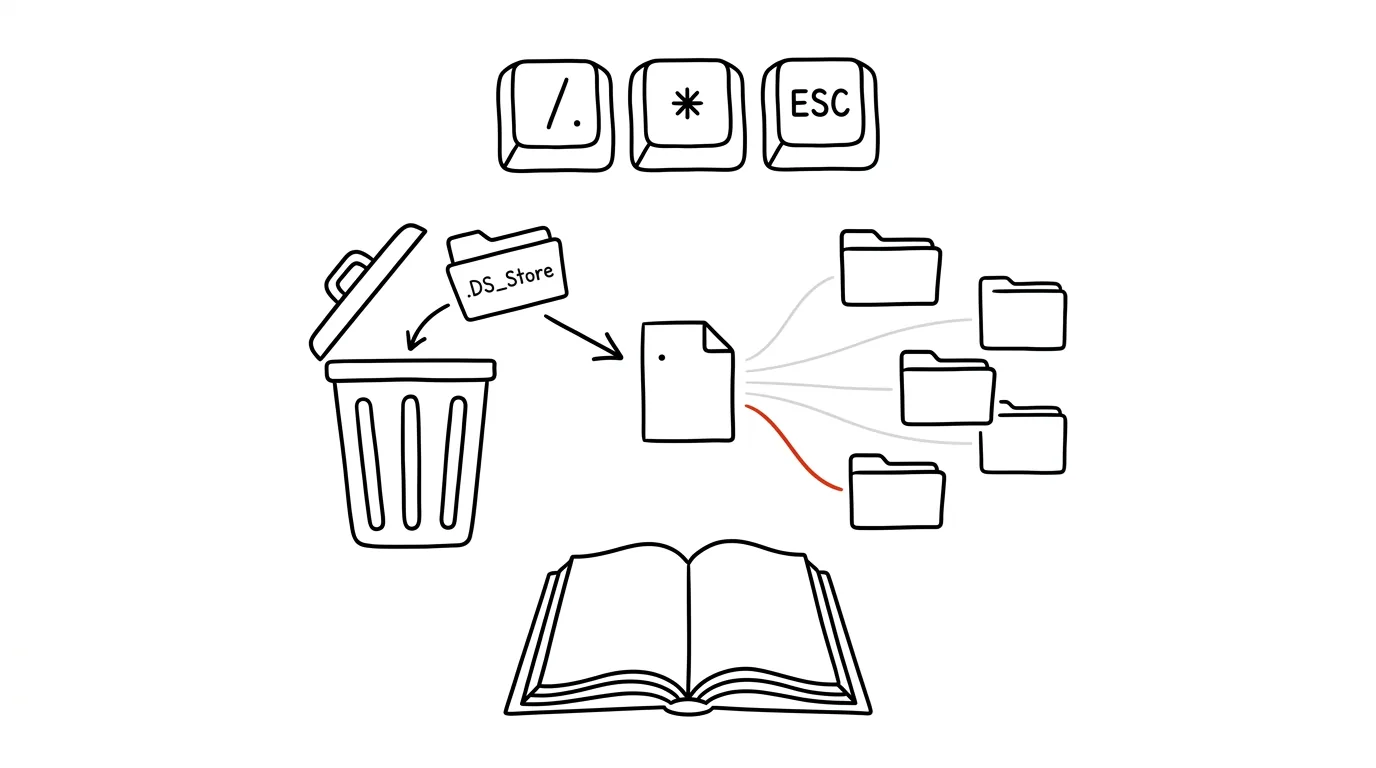
Every other repository in the world has a .DS_Store line haunting its .gitignore — and yet this file, which macOS creates in every folder, still regularly sneaks into someone's commit. It's backwards when you think about it: junk your operating system or editor produces isn't a property of the project, it's a property of your computer. Git has the right solution for this, one few people know about: a global ignore file. Set it up once, and it applies to every repository on your machine — current and future.
How to do it
- Create a file, say
~/.gitignore_global, and write into it the patterns you want ignored everywhere. Typical contents:.DS_Store(macOS),Thumbs.dbandDesktop.ini(Windows),*.swp(Vim), and any folders your tools drop local settings into inside projects. - Tell git to use it:
git config --global core.excludesFile ~/.gitignore_global. That writes it into your global config, and from then on it applies in every repository. - Verify it: in any repository, run
git statusin a folder where a.DS_Storesits — it should no longer show up among untracked files. Check the config withgit config --global core.excludesFile. - If some junk is already committed in a repository, ignoring it isn't enough — remove it from tracking with
git rm --cached .DS_Storeand commit. - A project's own
.gitignoreshould then hold only what's actually about the project: dependency folders, build output, local config. The line is simple — whatever colleagues on a different system and editor would also want ignored belongs in the project; whatever's specific to your machine belongs in the global file.
A typical scenario
A developer moves to a new Mac, and in the first week colleagues twice bounce back a pull request with "you've got a .DS_Store in there." Instead of adding the same line to .gitignore in eight company repositories (and arguing over whether it belongs there), he sets up a global ignore — five minutes of work — and the problem disappears forever, even for every project he hasn't cloned yet. Commits stay clean, and projects' .gitignore files stop bloating with exceptions for every editor anyone on the team has ever used.
What you get out of it
An end to embarrassing commits full of system junk, and an end to reviews bounced back over a file that doesn't belong. Project .gitignore files stay short and readable, because they deal with the project, not your tools. A one-time five-minute investment that works in every repository you ever clone. And if you pack the file into your dotfiles, it moves with you to your next computer too.
Want to go deeper? The handbook has a whole chapter on it — Core systems: inbox, priorities, reviews.
Similar tips
Ctrl+W and Ctrl+U: delete by word and by line in the terminal
Ctrl+W
A typo at the start of a long command isn't a reason to hold down Backspace. Ctrl+W deletes a word, Ctrl+U a line, Ctrl+A jumps to the start.
Page behaving strangely? Try a hard refresh with Ctrl+F5
Ctrl+F5
Broken layout, an old version, a button that doesn't respond — Ctrl+F5 forces the browser to download the page again, from scratch.
Almost every app has a quick switcher: try Ctrl+P or Ctrl+K
Ctrl+K
VS Code, Figma, Slack, Notion, browsers — they all open a “jump to anything” box. Learn it once and use it in every app you touch daily.
Was this helpful?
Liked this tip?
I send one like it every week by email. Two minutes to read, hours saved.
1 tip a week · no spam · unsubscribe in one click