Tips & tricks · Apps · Everywhere · ~10 min a week · 3 min read
jq: readable JSON in the terminal and one-expression value extraction
Last reviewed:
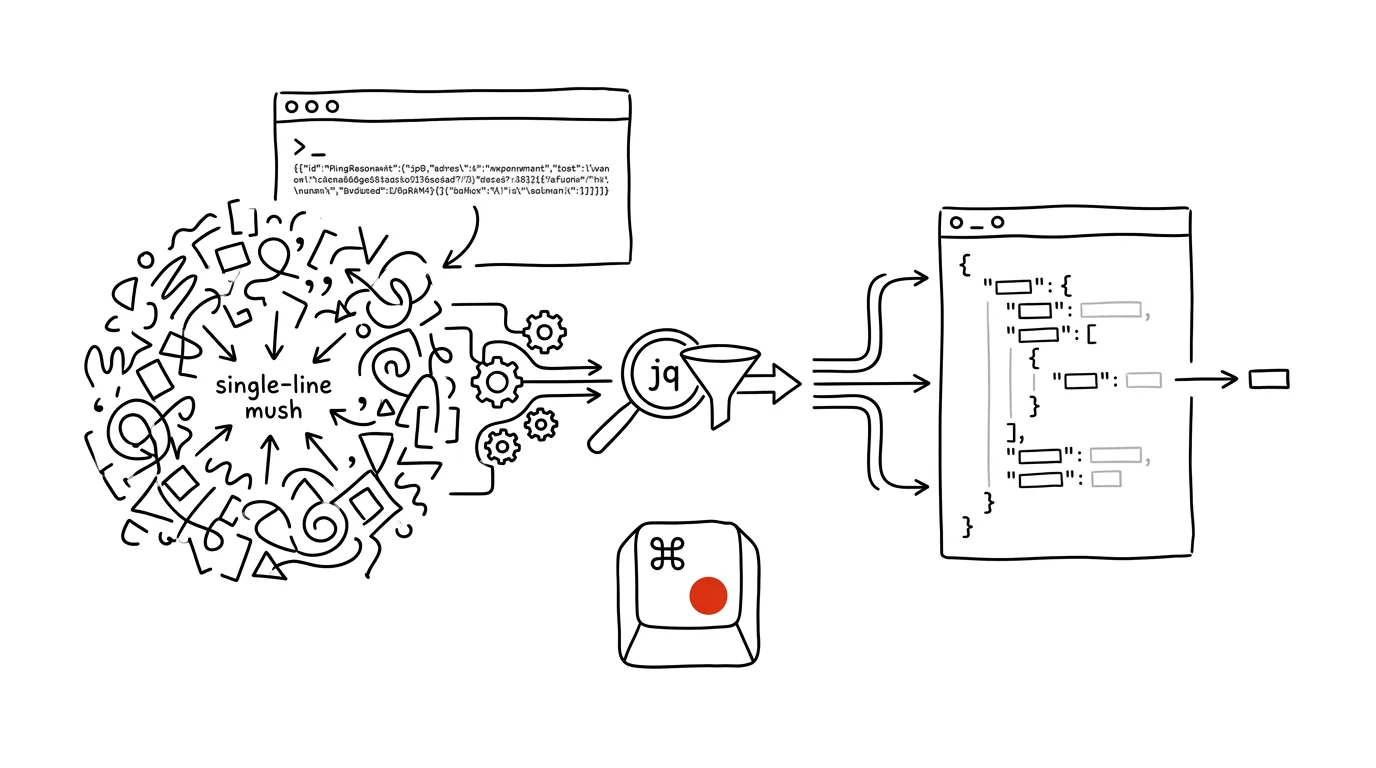
JSON is everywhere — API responses, config files, logs — and it almost always arrives as an unreadable single-line mush. Anyone who wants to read it pastes it into an online formatter (sending the data who-knows-where) or hunts through it by eye. The jq tool solves this right in the terminal: it formats, indents, and colors JSON with a single command. And that's just the start — jq is also a query language that pulls a specific value, a list of fields, or a filtered subset out of JSON, no script required.
How to do it
- Install jq: on Windows
winget install jqlang.jq, on Macbrew install jq, on Linux it's usually in the system packages (apt install jq). - The basics — formatting:
jq . file.jsonprints the file indented and colored. The dot means "the whole input, unchanged." jq most often gets piped straight after curl:curl -s https://api.example.com/users | jq . - Extracting a value:
jq '.name'returns thenamefield,jq '.address.city'a nested value,jq '.[0]'the first element of an array. - Iterating over an array:
jq '.items[].name'prints the names of every item in theitemsarray. Combined with selecting multiple fields:jq '.items[] | {name, price}'turns each item into a small object with just those two fields. - If you're not sure about an expression, build it up gradually — start with a dot and add pieces. And for a more complex query ("pick items over a hundred and sort by name"), AI will reliably suggest one for you these days, similar to the tip on regex without the learning curve — put the jq expression in the prompt along with a sample of the data.
A typical scenario
A developer is debugging an integration with a shipping carrier's API. The response is eight kilobytes on a single line, and all she cares about is the shipment status and the time of the last update. Instead of pasting it into a browser, she writes curl -s ... | jq '.shipment | {status, updated_at}' and sees exactly those two values, cleanly. When she needs the same thing for fifty shipments, she just tweaks the expression to iterate over the array — and gets a table that would otherwise take half an hour to build with a script. And the sensitive data never left her machine, which online formatters can never quite guarantee.
If jq isn't installed, at least a built-in substitute can format: python3 -m json.tool file.json indents JSON with no installation at all. It can't query, though — for pulling out values, jq is irreplaceable.
What you get out of it
Reading JSON stops hurting: formatting is a single command away, and you pull out a specific value with an expression instead of your eyes. No more pasting work data into web tools. And because jq chains with curl and other commands into pipelines, it becomes a building block for one-off analysis as well as scripts that would otherwise require Python.
Want to go deeper? The handbook has a whole chapter on it — The app categories that matter.
Similar tips
Todoist filters: your own “important today” view
The query (p1 | p2) & due:today shows only what actually matters today. You don't see the rest — and that's the point.
Todoist: priority and due date right in the task text
Q
Type “p1” and the task turns red, “tomorrow 9am” and it gets a due date. Quick Add understands it all in one line.
Todoist: add a task in a single sentence
“every Monday at 10 #meetings p1” — Todoist picks up the date, recurrence, project, and priority straight from the text.
Was this helpful?
Liked this tip?
I send one like it every week by email. Two minutes to read, hours saved.
1 tip a week · no spam · unsubscribe in one click