Tips & tricks · Apps · Mobile · ~30 min a day · 3 min read
Do Not Disturb with exceptions: family gets through, everything else waits
Last reviewed:
In this article
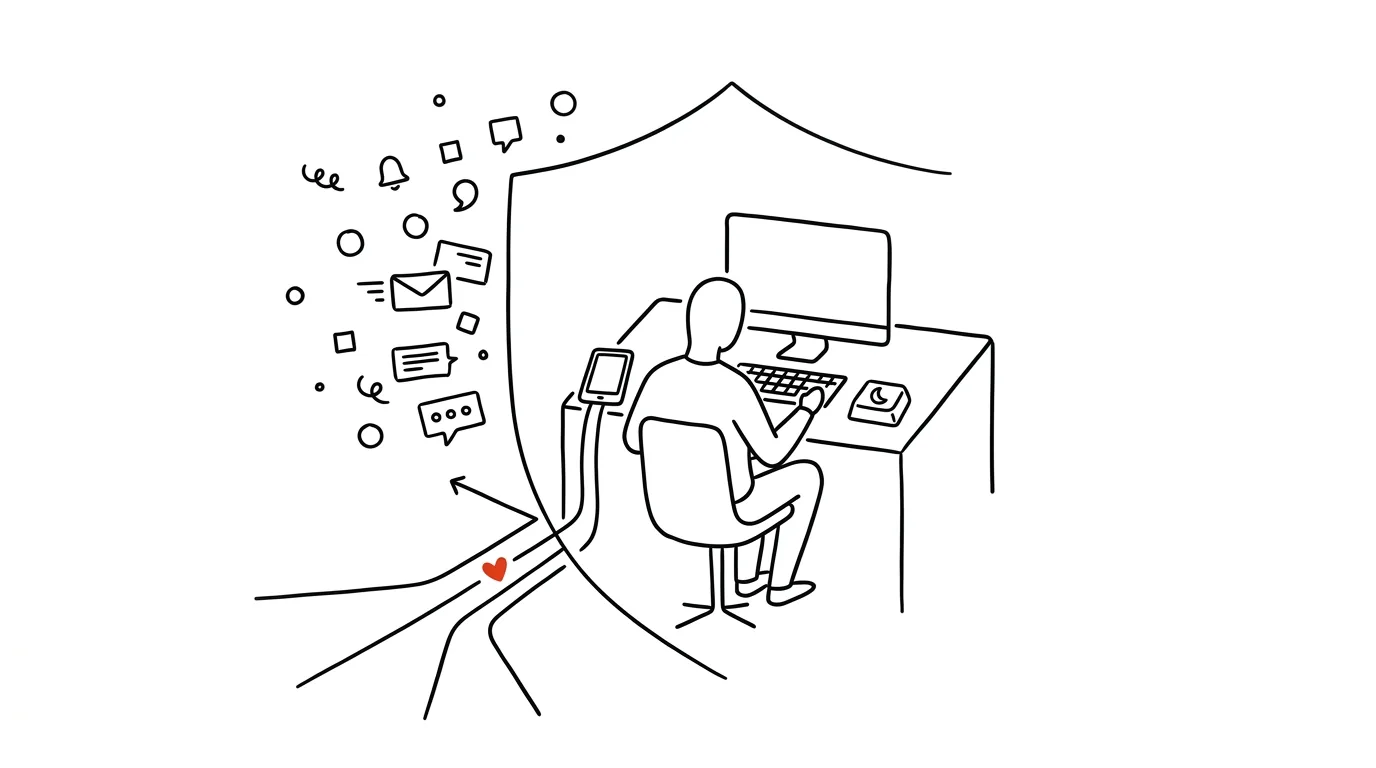
A lot of people never turn on Do Not Disturb for one reason: "What if something happens at home and I don't see it?" A fair worry — and one both systems account for. Do Not Disturb can let calls from chosen people through, and it has a backstop for genuinely urgent situations too: when the same number calls twice in quick succession, the second call rings through. Set this up and you can silence your phone for an entire morning with a clear conscience.
How to do it
iPhone:
- Open Settings → Focus → Do Not Disturb and tap People.
- Choose Allow Notifications From and add your partner, kids, school — their messages and calls get through even with the mode turned on.
- On the same screen, under allowed calls, turn on Repeated Calls: a second call from the same number within three minutes breaks through the silence. That's the backstop for urgent situations.
Android:
- Open Settings → Sound & Vibration → Do Not Disturb (on Samsung, Notifications → Do Not Disturb) and tap People or Allowed Exceptions.
- For calls, choose Starred Contacts and star the people in Contacts who should be able to reach you.
- Turn on Allow Repeat Callers — the same backstop as on iPhone: anyone who means it will call again and get through.
- Alarms and timers keep working under Do Not Disturb, so you won't miss your morning wake-up.
A typical scenario
You've got two hours of focused work ahead on a proposal. You used to leave your phone on "just in case" — and "just in case" meant twelve notifications, three spam calls, and shattered concentration. Now you turn on Do Not Disturb: your partner and the kids' school are in the exceptions, so if anything happens, they get through immediately. If someone else calls with a genuinely urgent matter, they call a second time and get through too. Everything else — couriers, surveys, group chats — waits until you go through it all at once, two hours later.
What you get out of it
The exceptions are exactly what makes the difference between "my phone is silenced and I'm anxious about it" and "my phone is silenced and I'm fine." You get uninterrupted blocks of focus without the fear of missing something important — because the important things have an open door. Most people find there are really only two or three contacts a day who genuinely can't wait; everything else can handle a delay, and the world doesn't end.
Once your exceptions are set up, pair them with batched notifications — unimportant notifications then won't just be silent, they'll arrive as a summary whenever suits you.
Pro tip
Tell the people closest to you how the backstop works: "If it's really urgent, call twice in a row." One sentence turns repeated calls from a technical feature into an agreed-upon family signal — and gives you confidence that silencing your phone will never cut off anything that actually matters.
Want to go deeper? The handbook has a whole chapter on it — The app categories that matter.
Similar tips
A checklist for anything you do a second time
Client onboarding, publishing an article, the monthly close — a repeated process without a checklist means forgetting something, every time.
In-depth guide · 20 min
Artifacts: mini-apps without coding
A guide with prompts: how a plain description becomes a working calculator, quiz, or prototype, refining and sharing it — and when you need a real app.
In-depth guide · 20 min
Routines in Claude: mail sorts itself and drafts get written before you arrive
A complete guide with prompts: from the first mail and calendar connection through one simple routine to the set of four that holds a day together.
Was this helpful?
Liked this tip?
I send one like it every week by email. Two minutes to read, hours saved.
1 tip a week · no spam · unsubscribe in one click