Tips & tricks · Gear · Everywhere · clear, understandable calls · 3 min read
Headphones with a mic for meetings: sound matters more than the camera
Last reviewed:
In this article
On video calls, everyone worries about the camera, but sound decides the impression you leave. The other side will forgive a grainy picture; a voice that booms like it's coming from a bathroom, gets buried under keyboard clatter, or fades in and out every time you turn your head wears listeners down every single minute of the call. That's because a laptop's built-in microphone picks up the whole room from half a meter away — echo and all, and everything else happening in it. The fix is unglamorous: any headphones with a microphone, even the plain ones sitting in a drawer. A mic a few centimeters from your mouth picks up your voice, not the room.
How to do it
- Use whatever you have: wired phone earbuds with an inline mic, wireless earbuds, a headset. Anything with a mic close to your mouth beats a laptop's built-in one.
- In your meeting app, confirm they're actually being used — in audio settings, select the headphones as both microphone and speaker. Systems sometimes leave the laptop's mic active after you plug something in.
- Listen to yourself: Teams has a Make a test call option under Settings → Devices that plays your recording back to you. Elsewhere, a plain voice-memo app does the job — thirty seconds of recording tells you more about your sound than a year of meetings.
- Wearing headphones also solves the other half of the problem: sound from speakers feeding back into the mic, so the other side hears an echo of themselves. With headphones, that echo disappears.
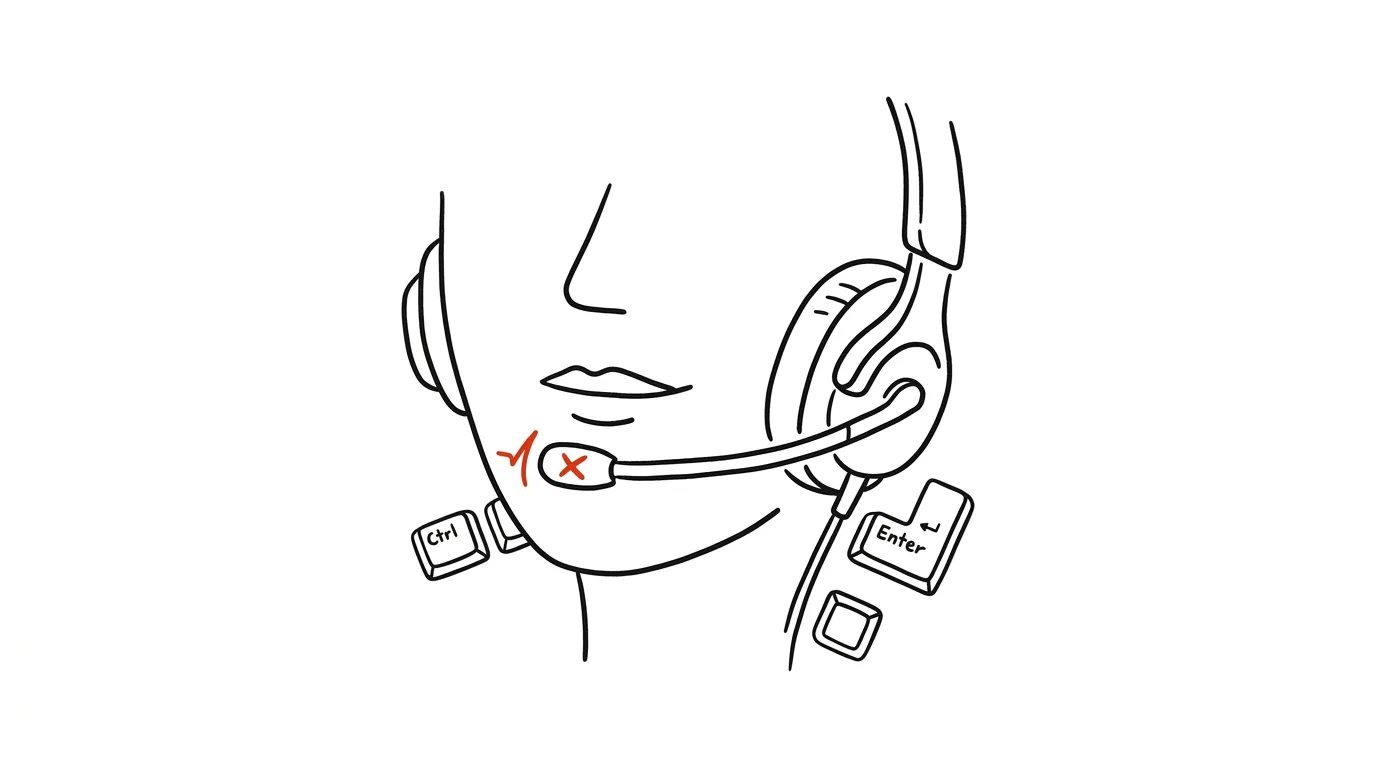
- If you talk to clients daily, consider a headset with a boom mic — it holds the microphone at the same distance no matter how you move, so your voice level doesn't waver.
A typical scenario
Instructor Petra runs online courses from her living room. Participants complained they could barely understand her, so she bought a better webcam — it didn't help, because the problem was the laptop's microphone a meter away, picking up the echo of a tall room. A plain headset fixed it in a minute: her voice suddenly sounds full and close, the keyboard stopped hammering into the call, and Petra can stand up and walk around while lecturing without “leaving” acoustically too.
What you get out of it
People understand you the first time, so you repeat yourself less and meetings don't drag on unnecessarily. And because listening to a clean voice is far less tiring than deciphering a booming one, the other side stays attentive longer — which matters for presentations, teaching, and negotiations alike.
Pro tip
Software background-noise suppression is built into Teams, Zoom, and Meet today, and plenty of headphones have mic-side noise suppression too — they'll filter out a lawnmower outside or a barking dog. But software can't work miracles on echo and distance from your mouth — the foundation is a microphone that's simply close. For why headphones are worth it outside meetings too, see the tip on noise-cancelling headphones.
Want to go deeper? The handbook has a whole chapter on it — The complete guide to an effective home office.
Similar tips
Swiped Away a Notification by Accident? Android Has a History
Notification history shows everything from the last 24 hours — including notifications you swiped away before you had a chance to read them.
Quick Share: Files From Android to Windows, No Cable
AirDrop's counterpart is built into every newer Android phone — and with a free app from Google it sends photos and files to Windows too.
Android: two apps on screen at the same time
Notes next to your browser, or a calendar next to email — split screen is genuinely usable on bigger phones.
Was this helpful?
Liked this tip?
I send one like it every week by email. Two minutes to read, hours saved.
1 tip a week · no spam · unsubscribe in one click