Tips & tricks · AI · Mobile · ~10 min per cooking session · 2 min read
Recipe for Four, Seven Guests Are Coming: Let AI Do the Math
Last reviewed:
In this article
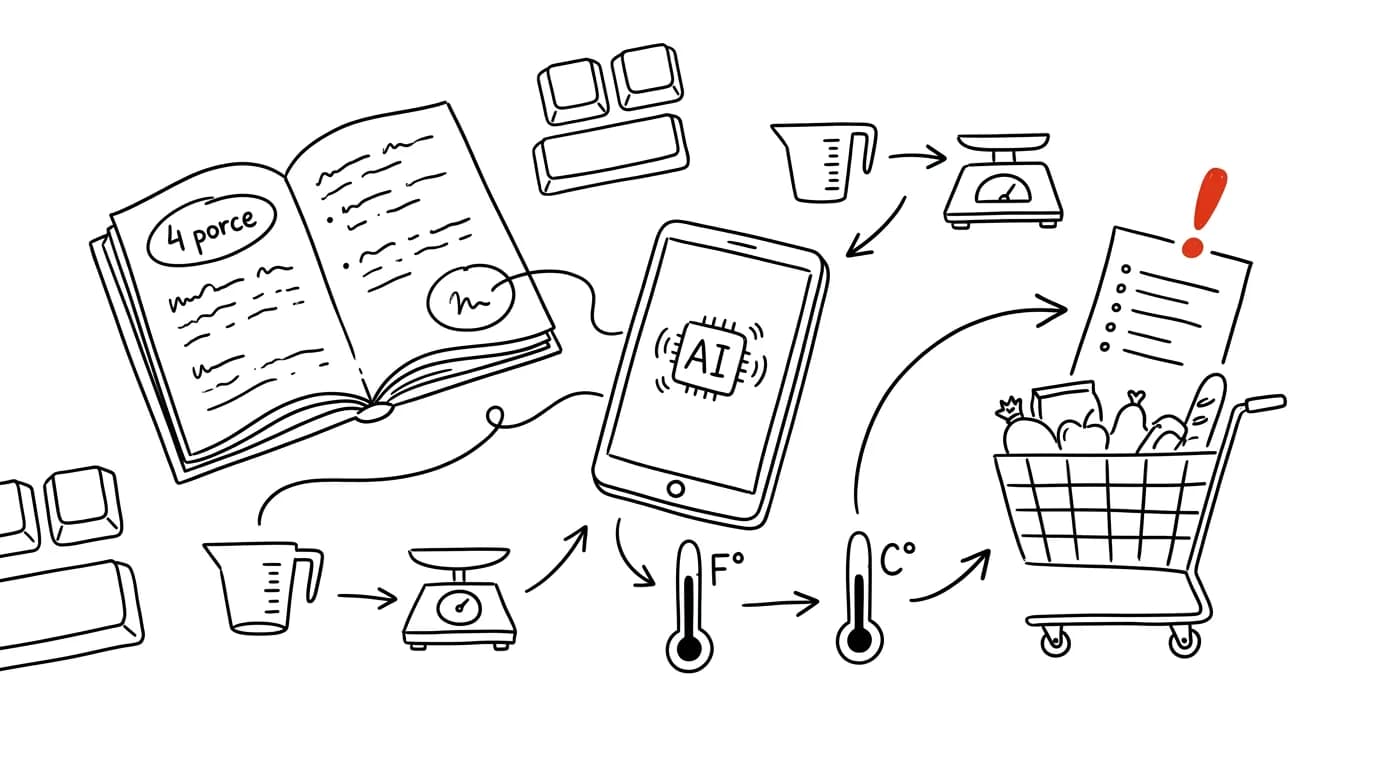
The recipe serves four, and seven guests are coming. Half the ingredients are in cups and ounces because the recipe is from an American website, the oven preheats to 350°F, and you're standing in the kitchen with your phone trying to work out three-quarters of a cup times one and three-quarters. This kind of small kitchen math is exactly a job for AI — and unlike the conversion chart on the fridge, it handles everything at once: servings, units, temperatures, and a shopping list.
How to do it
- Copy the recipe, photograph it from a cookbook, or paste a link, and send it to a chat with this prompt:
Here's a recipe for [4] servings. Scale it to [7] servings and:

- convert all units to grams and milliliters (convert cups
  per specific ingredient, not with one blanket ratio),
- temperatures to Celsius,
- round quantities to amounts you can actually weigh out
  (not 437 g),
- do NOT rescale cooking and baking times, just note if a
  larger volume usually means longer cooking,
- at the end, give a shopping list sorted by store section,
  leaving out things people usually have at home (salt, oil).
- Check anything that looks off, especially with baking, where ratios matter. That note about converting cups per ingredient is important: a cup of flour and a cup of butter are completely different weights, and unlike simple conversion charts, AI actually knows that.
- Send the shopping list to your notes app, or straight to your partner.
- It works in reverse too: "I have half a tub of ricotta and three eggs left, what can I make with that in 30 minutes?"
A typical scenario
Saturday, the grandparents are coming for lunch, seven people at the table in total. The lasagna recipe serves four and is from an American blog. It used to mean ten minutes with a calculator and a conversion chart, one badly converted cup of cream, and the eternal dilemma of whether to round 1.75× up to whole kilos.
Mom photographs the recipe, types "for 7 servings, grams, Celsius, shopping list," and checks off the list on the way to the store, sorted the way the aisles run. In the kitchen she cooks from the scaled version without a single multiplication. The calculator stays in the drawer, her head free to think about dessert.
What you get out of it
Cooking from foreign recipes stops being a conversion exercise, and scaling servings stops being a reason not to try a recipe. Common sense in the kitchen stays yours — if the scaled amount of yeast looks off, trust your experience and double-check it. For planning a whole week of meals, there's a bigger guide that follows on from this: meal plans and shopping lists with AI.
Pro tip
The hardest kitchen conversion of all is a different cake pan size — the recipe calls for a 26 cm pan, you only have a 20 cm one at home. That's not a simple ratio, it's an area calculation. Write "convert this recipe from a 26 cm pan to a 20 cm pan and adjust the baking time too," and AI will get it right, including a note that a taller cake takes longer to bake at a lower temperature.
Want to go deeper? The handbook has a whole chapter on it — AI and automation.
Similar tips
Tap the clock to jump a long page back to the top
On iPhone, just tap the status bar with the clock and any long list, webpage, or chat snaps back to the top. No scrolling required.
iPhone Shortcuts: your phone switches into work mode by itself
The Shortcuts app can do automations: arriving at the office turns on Do Not Disturb, opening Instagram starts a timer.
Numbers without switching keyboards: slide your finger off the 123 key
On iPhone, slide your finger off the 123 key onto a digit and the keyboard snaps back to letters by itself. Gboard has a key hold or a permanent number row.
Was this helpful?
Liked this tip?
I send one like it every week by email. Two minutes to read, hours saved.
1 tip a week · no spam · unsubscribe in one click