Tips & tricks · Gear · Everywhere · eyes that don't burn by evening · 3 min read
The 20-20-20 rule: your eyes need a break before you feel it
Last reviewed:
In this article
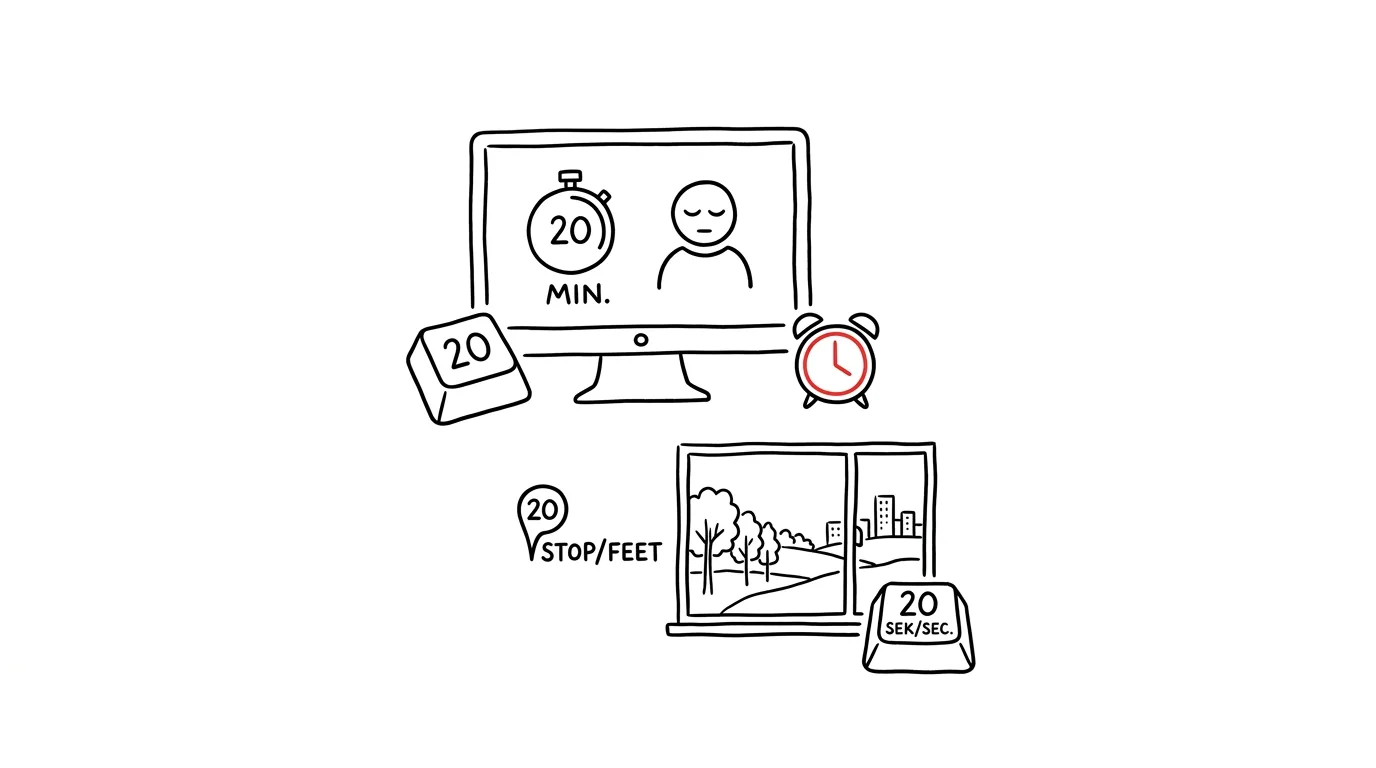
Burning eyes, blurred vision by evening, and headaches after a day at the monitor have two mundane causes: the eye focused for hours on the same short distance, and a blink rate that unconsciously drops in front of a screen — so the eye dries out. Eye doctors recommend the 20-20-20 rule for this: every 20 minutes, look at something at least 20 feet away — roughly six meters — for 20 seconds. The focusing muscle relaxes at distance, and looking out a window gives you a chance to blink properly too. It sounds trivial — the catch is remembering to do it, and that's exactly the part that's solvable.
How to do it
- Find your “20 feet”: a window, the end of a hallway, a far wall of the open-plan office. It has to be a view from your desk, no standing up required — otherwise you won't actually do it.
- Don't add another alarm; hook it onto a rhythm you already have. If you run Pomodoro, the break after 25 minutes is also your eye break. Otherwise, hitch it to natural pauses you already take: an email sent, a task finished, waiting for a page to load, for a build, for a colleague's reply — all moments when you're not really doing anything anyway, just usually still staring at the monitor.
- The first few days, a prop helps: a “20-20-20” sticky note on the monitor frame, or a quiet recurring reminder on your phone. After a week, glancing out the window becomes a reflex and you can toss the prop.
- Add two small things with the same purpose: keep the monitor an arm's length from your eyes, and blink deliberately the moment you feel dryness — that's a sign you haven't blinked in a while, not that you need eye drops.
A typical scenario
A programmer used to end every day with burning eyes and the self-reproach that she “should look at the monitor less” — which, given her job, isn't advice, it's a joke. Instead, she set herself one rule: whenever she runs tests or waits for a build, she turns toward the window until it finishes. It costs her no extra time at all — she used to spend those very seconds staring at a progress bar. After two weeks, she found the evening eye-burning had disappeared without changing how much work she did.
What you get out of it
An end to dry eyes and blurred vision by the end of the day — a problem otherwise treated with eye drops and stronger glasses. Short glances into the distance also work as micro-breaks for your head: you often come back from them with a solution you couldn't see staring at the monitor. And the whole thing costs twenty seconds you'd be zoning out through anyway. The connection between body and focus is covered in the Body and Productivity chapter.
Pro tip
Monitor height matters for eye dryness too: when the top edge of the display sits at eye level, you look slightly downward — your eyelids sit more closed, less of the eye's surface is exposed, and it dries out slower than when looking up at a monitor mounted too high. Setting up your workstation correctly helps your eyes even between breaks.
Want to go deeper? The handbook has a whole chapter on it — The complete guide to an effective home office.
Similar tips
A new folder without the right-click: Ctrl+Shift+N
Ctrl+Shift+N
You create folders all the time — and every time via right-click and a menu. Ctrl+Shift+N creates a new folder instantly, already primed for naming.
F2 renames a file — and Tab jumps straight to the next one
F2
Renaming without a mouse: F2 opens the name for editing, Tab saves it and skips to the next file. Select several files, and they all get renamed at once.
Ctrl+Shift+C copies the full path to a file
Ctrl+Shift+C
No need to describe to a colleague where a file lives. Ctrl+Shift+C in File Explorer copies the complete path — just paste it into chat or a dialog.
Was this helpful?
Liked this tip?
I send one like it every week by email. Two minutes to read, hours saved.
1 tip a week · no spam · unsubscribe in one click